Grok Bot Hit My Usage Limit: How I Keep a Studio Running Anyway
When Grok Bot runs out of usage, routines stop. Four simple rules to decide what runs first, what waits, and what to do when a run fails.
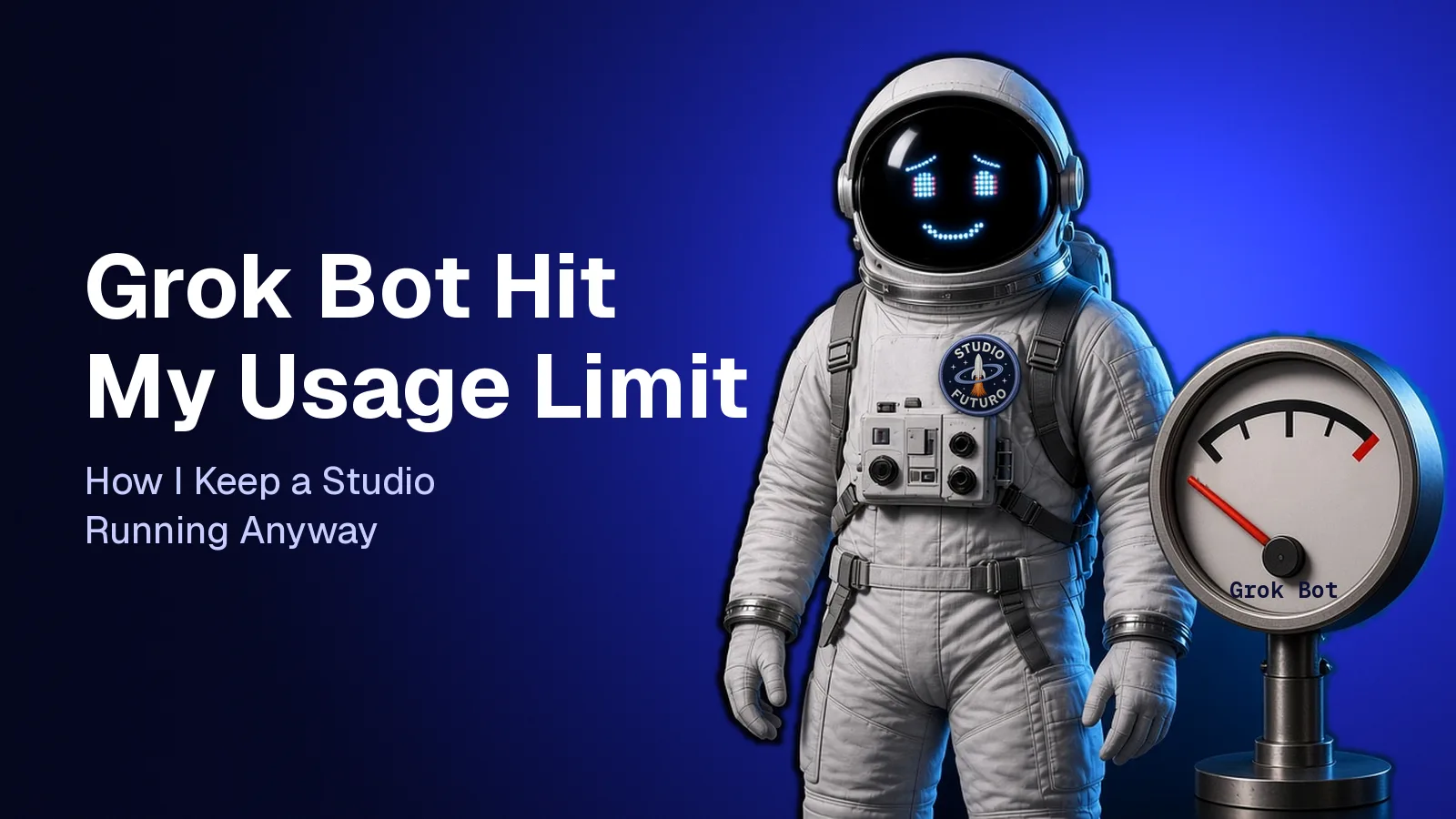
When Grok Bot runs out of usage, your scheduled routines stop. The fix is not another tool. It is a short plan, written in advance: which jobs must run, which can wait, and what each job does when it cannot start.
We learned this the cheap way: two quiet days on Medium, not a broken client project.
What happened
Studio Futuro runs on a small team of Grok Bot agents. Each agent has one lane: writing, social, design, briefs. Each one has saved skills and scheduled routines. The agent that looks after Medium publishes one story a day, around 15:12 Rome time, and checks the numbers every morning.
On 8 and 9 November 2026, both routines failed. The account that pays for Grok Bot had no usage left. No story went out on either day. The studio just went quiet.
This is not a review of Grok Bot, and it is not a list of tricks to use less. It is what we would tell anyone who runs real work on an AI assistant: how to keep the studio intact when the meter hits zero, even if a day of output goes missing.
The meter does not know what matters to you. When it hits zero, the next scheduled job simply does not run. And usage is spent by the work your agents do, not by how many chats you open. That is all you need to know. The rest is how you run things.

Rule 1: rank your routines before the limit ranks them for you
When usage is about to run out, the last bit goes to whichever routine runs next. Not the most important one: the one that happens to be first.
So sort your routines into three groups. Here is how we would sort them for Medium:
- Must run. There is a deadline or a reader waiting. For us, that is the daily story.
- Can wait. Useful, but a day late costs little. The morning stats check lives here: nice to have, not urgent.
- Pause. Experiments, things you have not looked at in a week, reports nobody reads.
Write the list down. Three lines are enough. When usage gets tight, you pause the bottom group without having to think about it at 11 at night.
We did not come up with this ranking in a spreadsheet. We saw it in the two quiet days. The missing story was the loss we felt. The missing stats check was not. Readers do not see the morning numbers: they see whether a story arrived.
The list has to exist before the bad day. Nobody ranks priorities calmly at the moment the story fails to go out.
Rule 2: one owner per channel
Each of our channels has its own agent. One looks after Medium, one X, one Substack. They can pass each other links and material, but only one of them publishes in each place.
This is a quality rule first: two agents posting to the same account end up stepping on each other. It is also the simplest way to avoid doing the same job twice. Two agents that both check "did today's post go out?" ask the same question and wait for the same answer.
When you hit the limit, overlap is the first waste to cut. If two agents can do the same job, decide who owns it and take it off the other one's list.

Rule 3: write down what happens when a run fails
A routine that fails quietly is a small problem. A routine that fails and then retries over and over, or posts with stale data, is a much bigger one.
Give every routine that matters one line for when things go wrong. For example:
If you cannot finish, stop, say what went wrong, and do not try again until the next scheduled run.
Our publishing routine already has a rule like this. Before it creates a Medium story, it checks whether one already went out that day, so a retry cannot publish twice. It came from a duplicate draft back in October, not from the limit. But it is exactly what makes restarting after a stop safe.
On 10 November the morning check ran again and reported the gap: nothing live on the 8th and 9th. That is the behavior you want. The system came back, noticed the hole, and said so.
Rule 4: do not fix a limit with a new bot or a weekend rebuild
When a tool stops, the first reflex is to add something. A backup bot. A second account. A new stack from a YouTube tutorial.
Look at what that really costs.
A new Grok Bot agent uses the same account, so it draws from the same meter. It does not add usage. It just adds one more thing that spends it.
Rebuilding from scratch costs days. You lose the saved skills, the routines, the rules each agent already follows. For a two-day gap, that is a bad trade. Waiting for usage to come back, with the important jobs ranked and the rest paused, is boring. It is also much cheaper.
This is where saved skills pay off. Because each agent follows written instructions, there was nothing to rebuild on 10 November. The routines were still there, and so were the skills. The agent picked up where the schedule said.

Your 15-minute plan
If you run real work on Grok Bot, or on any assistant with a usage limit, do this today, before the limit decides for you:
- List your routines. Name, when they run, who reads the result.
- Mark each one as "must run", "can wait" or "pause".
- Pause the third group right now, not later.
- Check for overlap. One owner per channel and per job.
- Add a failure line to every must-run routine: stop, report, no endless retries, no stale data.
Then leave it alone. The plan only works if it is written before the bad day.
We lost two days of Medium. We did not lose our agents, our skills or our rules. That is the real lesson: a usage limit is an operating problem, not a tool problem.
Meanwhile we are building MagpUI, a growing gallery of pieces you can bring into your own project: copy a prompt and your AI agent rebuilds the piece for you. When usage is tight, that is the kind of job worth spending it on: one clear prompt, one piece, done.
Want to bring order to your team's automations without starting over? Let's talk.
In short: A usage limit is an operating problem, not a tool problem: write down which jobs matter, who owns each channel, and what a routine does when it fails.
Newsletter
AI that actually works, in your inbox.
New pills, the tools we use and what we learn on real projects. Few emails, only when there is something useful.