AI-Friendly Websites: Clear Actions for Agents With WebMCP
How do you make a website usable by AI agents without losing control? Structured actions, human confirmation, security and a first step toward WebMCP.

A website has to be easy for people to use and, more and more often, for AI agents too. Here is how to pick the few right actions, describe them so an agent understands them, and protect them. The first step, mapping the actions, you can do today with the prompt below.
What It Is
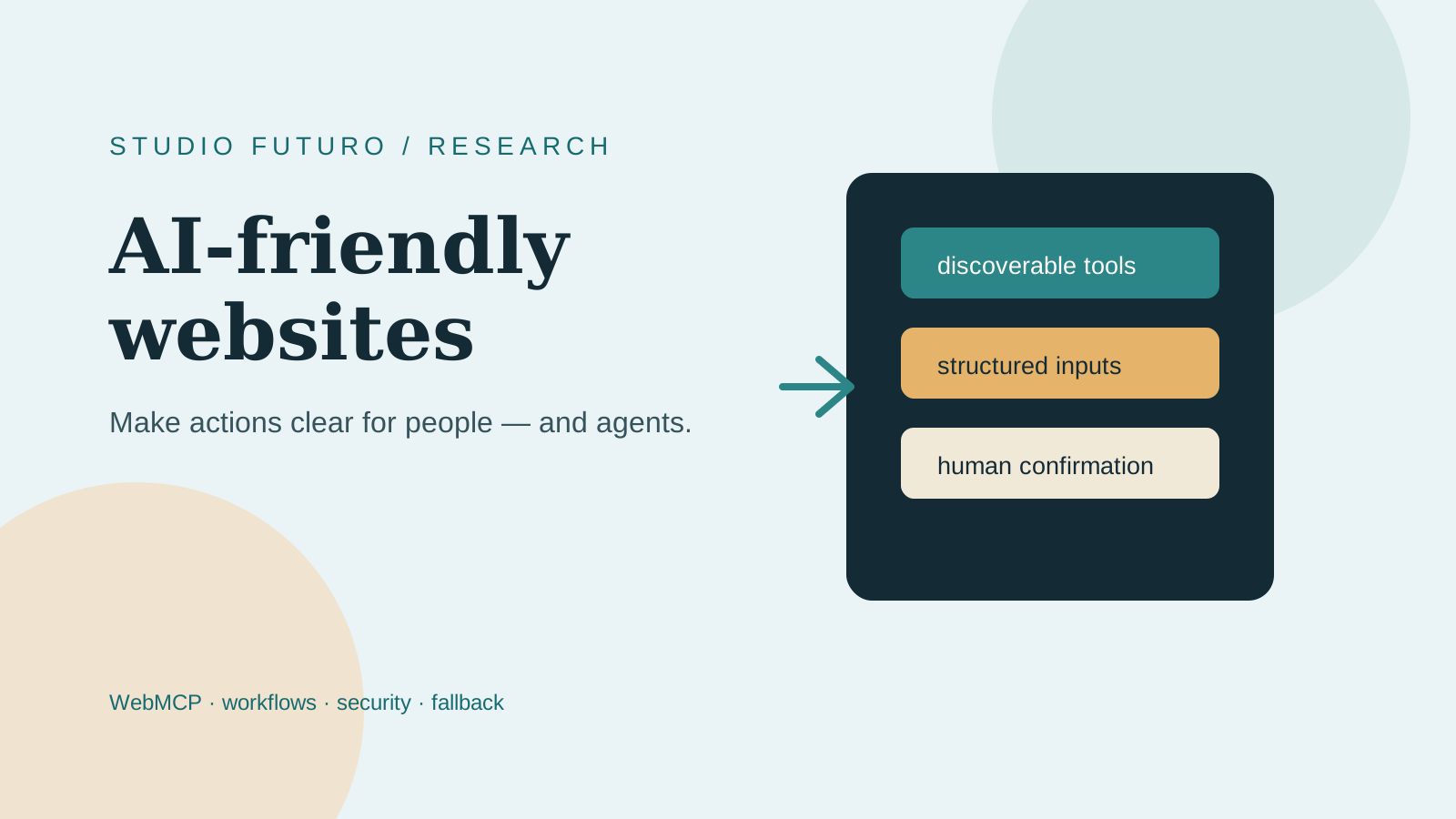
An AI-friendly website keeps its normal interface, but adds a layer of structured actions next to it: search for a product, check availability, see an order status, prepare a request. Each action has a clear name, documented parameters, predictable results, readable errors, explicit permissions and, when needed, human confirmation.
WebMCP is a proposal from the Web Machine Learning ecosystem that lets web pages expose tools agents can discover and use. The project and its documentation are still evolving. It is not a guarantee of universal compatibility, and it does not replace APIs, accessibility or a conventional interface.
Why It Matters
Without declared actions, an agent has to interpret every element on the page, click blindly and hope the right button is not the one next to it.
That does not mean turning your homepage into a robot or adding a chatbot because everyone else has one. It means making explicit what a user, or an authorized agent, should be able to do.
There is a benefit for people too. Describing an action with inputs, outputs and permissions forces the team to clarify processes, states, errors and responsibilities. If a workflow cannot be described that way, it is probably not clear enough for the company either.
The starting point is not the model. It is the workflow.
How To Do It
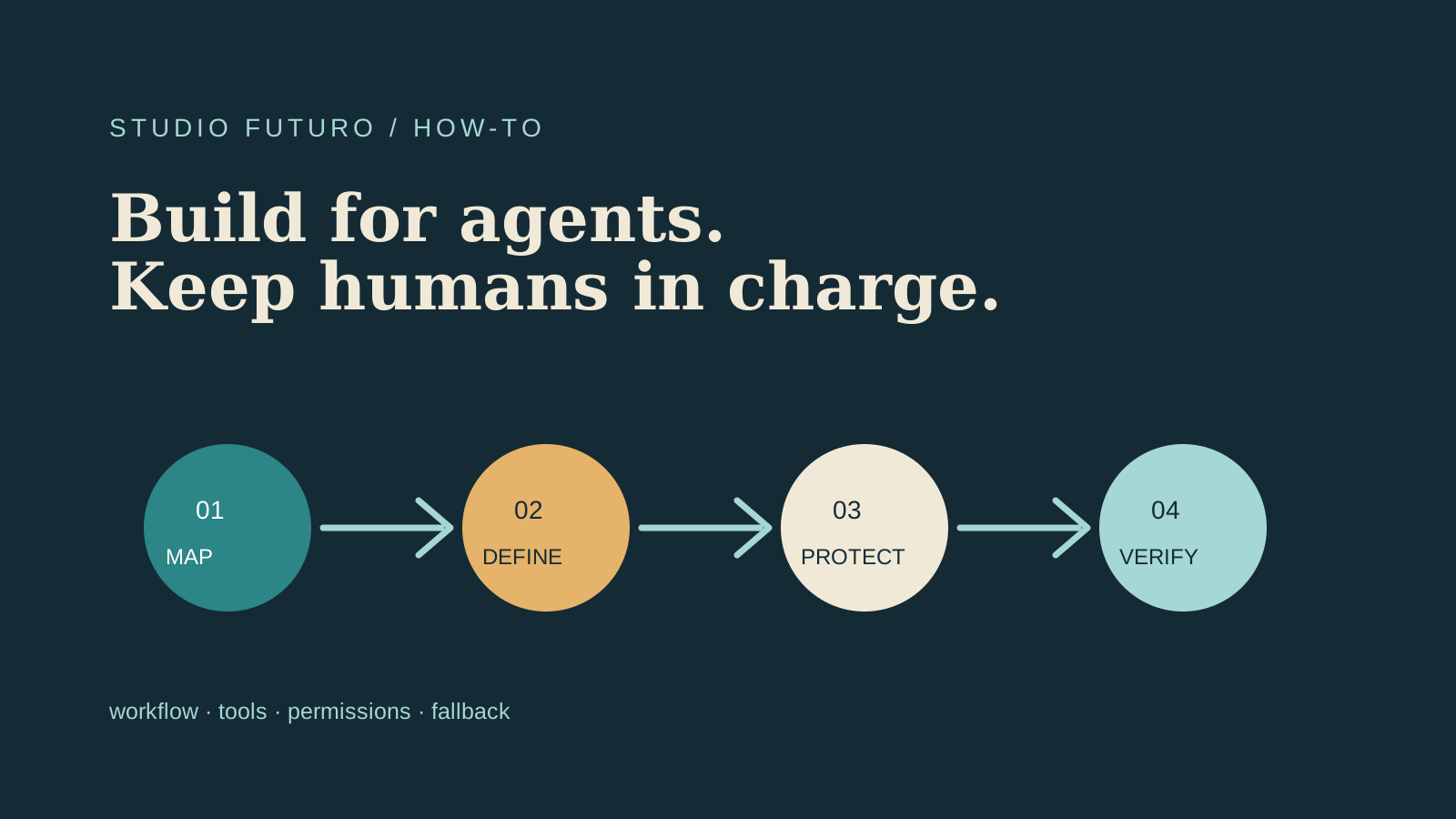
- Start from a real workflow. Not from "let's add WebMCP". Pick a frequent, measurable action: finding a product, answering a request. Look at what requests arrive, what data is needed and where work gets stuck.
- Choose a few high-value actions. Do not expose everything just because you can.
- Design each action's contract. Name, description, required parameters, errors and result format. One function, one purpose. No generic functions like do_everything.
- Separate reading from writing. Checking an order is not the same as changing it.
- Validate on the server. A schema helps the agent, but it is not a security measure. Re-check types, permissions, data ownership and limits on the backend (the part of the site that runs on the server).
- Log and confirm. For every important action, record who ran it, with which identity, on which data and with what result. Search and previews can be automatic. Sending, purchasing, deleting and irreversible changes need a clear barrier.
- Keep a fallback. If WebMCP is not available, the site must still work through its interface, APIs or compatible automation.
- Test the behavior. Even a confident agent can be wrong with impressive enthusiasm.
An example: B2B e-commerce. Today an operator finds a product, checks availability, verifies customer-specific terms and prepares a draft quote. The site could expose four separate actions:
- search_products (query, category): finds products, read only.
- get_product_availability (product id): checks availability, read only.
- get_customer_terms (customer id): reads the customer's terms, read only.
- prepare_quote (items, customer id): creates a draft quote. Sending it requires the operator's confirmation.
The benefit is not only speed. The process becomes more explicit, testable and easier to connect to other tools.
Ready to copy, to map your actions with Claude or ChatGPT:
Here is a process in my company that goes through our website: [describe in 5-10 lines who does it, what they look for, what data they use, where it gets stuck]. Help me design the actions an authorized AI agent could use. Rules: 1. Suggest at most 5 actions, only the most valuable ones. 2. For each one write: a verb_object name, a one-line description, required parameters with types, result format, possible errors. 3. Mark each action as READ or WRITE. 4. For each WRITE action, say which human confirmation is needed before it runs. 5. Tell me what must be logged (who, with which identity, on which data, with what result). 6. If the process is not clear enough to describe this way, ask me the missing questions instead of inventing.
If you use a coding agent, a second prompt for the first tool:
Add a single WebMCP tool to the site: search_products, with a required string parameter called query. First check the syntax in the official documentation (https://webmachinelearning.github.io/webmcp/), because the proposal is still changing. Register the tool only if the browser supports navigator.modelContext, otherwise do nothing: the site must work the same. The function must call the existing server-side search, which stays the only place where inputs, permissions and limits are validated. Do not add any write actions. At the end, tell me how to test it.
This tool does not replace authentication, authorization or validation. It is the visible edge of a system that deserves the same care as a public API.
Small Test
Ten minutes. Take the most frequent process that runs through your website and paste the first prompt. It worked if you get at most five actions, each with a name, parameters and a result, and you can say for each one whether it reads or writes. If the AI asks questions you cannot answer, you have found the part of the process to clarify before anything else.
Watch Out For
- WebMCP is still a proposal. The exact syntax must be checked against the browser or SDK version you support. Do not promise customers a compatibility that does not exist yet.
- A schema protects nothing. Security lives on the server: permissions, data ownership, limits.
- Every write action needs a barrier. Sending, purchasing and deleting go through a person.
- A few actions, not all of them. The hard part is not adding another tool. It is deciding which actions deserve to be simple.
Sources: WebMCP, official project, WebMCP, documentation, OpenTiny WebMCP SDK, webmcp-cli skill.
Next step: before touching the site, check whether the process is ready with the AI Audit for Small Businesses. To give the agent the right permissions and checks, read Workspaces for AI Agents.
In short: An AI-friendly website does not let an agent do everything: it makes a few useful actions clear, structured and safe, and leaves the decisions that matter to people.
Newsletter
AI that actually works, in your inbox.
New pills, the tools we use and what we learn on real projects. Few emails, only when there is something useful.