5 Sep 2026·Studio Futuro·AI and automation
A Website Should Not Only Look Good: It Should Be Understandable to AI Agents
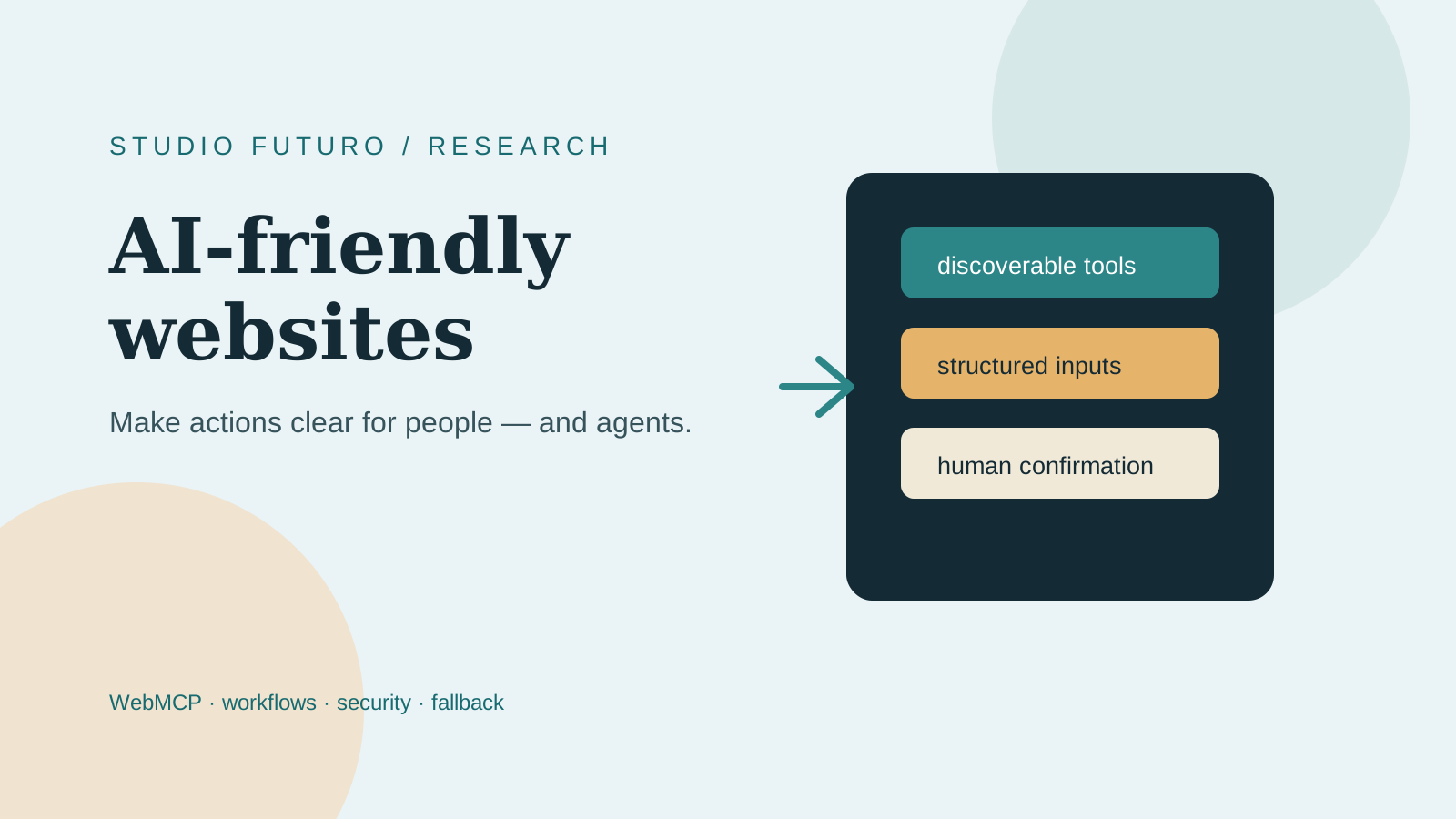
A website should be easy for people to use. Increasingly, it also needs to be understandable to AI agents.
That does not mean turning every homepage into a robot or adding a chatbot because everyone else has one. It means making important actions explicit: search for a product, check availability, retrieve an order status, or prepare a request.
The starting point is not the model. It is the workflow.
What makes a website AI-friendly?
An AI-friendly website keeps its visual interface, but adds a layer of structured actions with:
- clear names;
- documented parameters;
- predictable results;
- readable errors;
- explicit permissions;
- human confirmation when needed.
An agent should not have to interpret every visual element, click blindly, and hope the correct button is not the one next to it.
Where WebMCP fits
WebMCP is an emerging proposal from the Web Machine Learning ecosystem that lets web pages expose tools which agents can discover and use. The official project and documentation are still evolving. It is not a guarantee of universal compatibility, and it does not replace APIs, accessibility, or a conventional interface.
For Studio Futuro, it is a useful design question: which capabilities of a website should be declared as actions instead of remaining hidden inside a sequence of clicks?
The strategy we use
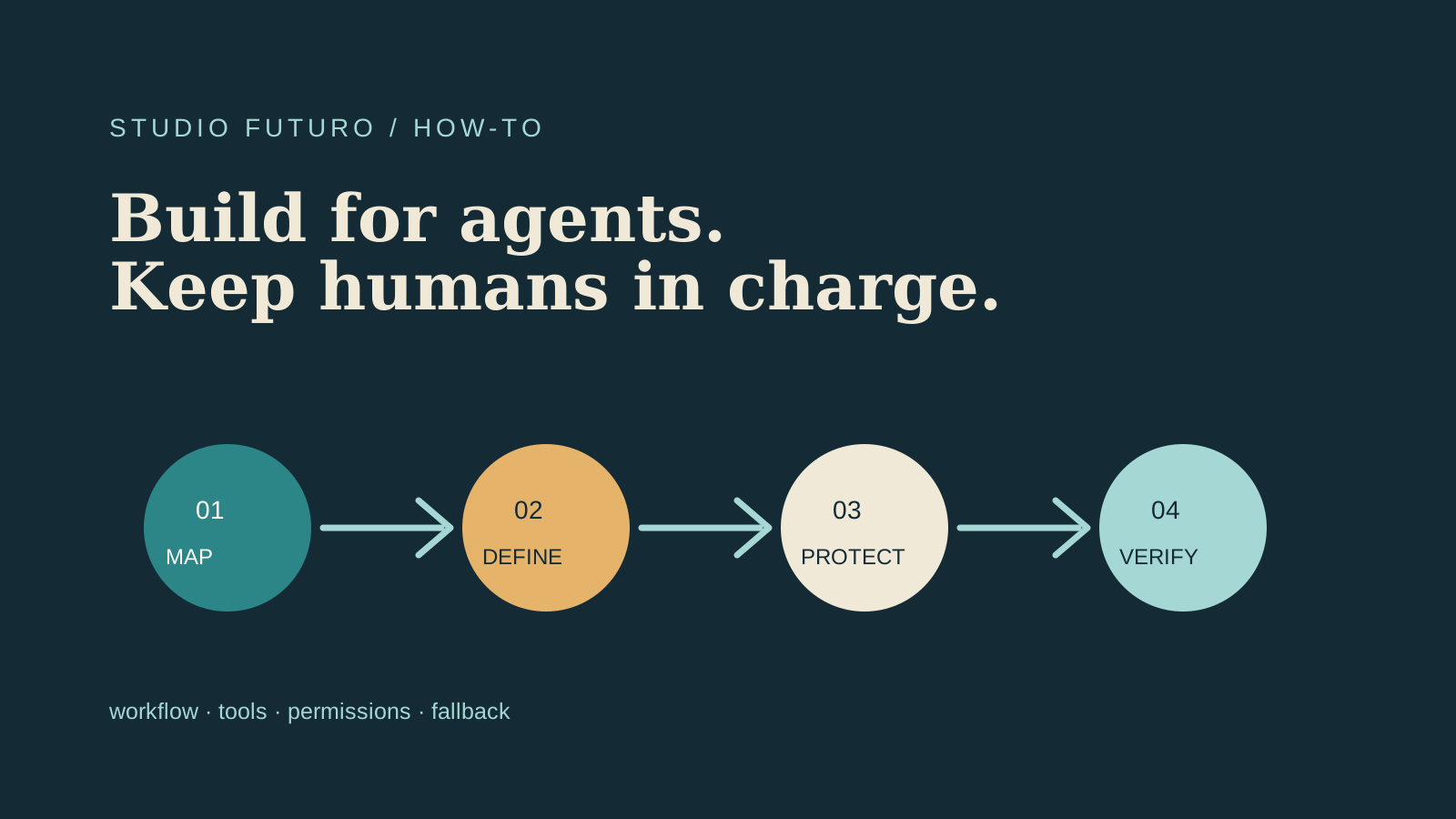
When we build or redesign a website, we work in this order:
- Map the workflows: what requests arrive, what data is needed, and where does work get stuck?
- Choose a few high-value actions: do not expose everything just because you can.
- Define small, readable tools: one purpose, validated inputs, structured outputs.
- Separate reading from writing: checking an order is not the same as changing it.
- Protect sensitive actions: authentication, authorization, confirmation, audit logs, and limits.
- Plan fallbacks: if WebMCP is unavailable, the site must still work through its UI, APIs, or compatible automation.
- Test behavior: even a confident agent can be wrong with impressive enthusiasm.
A practical example
Imagine a B2B e-commerce site. An operator needs to find a product, check availability, verify customer-specific terms, and prepare a quote.
An AI-friendly site could expose separate actions:
```text search_products(query, category) get_product_availability(product_id) get_customer_terms(customer_id) prepare_quote(items, customer_id) ```
The first three can be read-only actions. `prepare_quote` can create a draft, while sending the quote requires operator confirmation.
The benefit is not only speed. The process becomes more explicit, testable, and easier to integrate with other tools.
A small how-to
### 1. Choose a real workflow
Do not start with “let’s add WebMCP”. Start with a frequent, measurable action such as finding a product or answering a request.
### 2. Design the action contract
Define the name, description, required parameters, errors, and result format. Avoid generic functions such as `do_everything`.
### 3. Validate on the server
A schema helps an agent, but it is not a security measure. Re-check types, permissions, data ownership, and limits on the backend.
### 4. Add logging
For every important action, record who ran it, with which identity, on which data, and with what result.
### 5. Add confirmations
Search and previews can be automatic. Sending, purchasing, deleting, and irreversible changes need a clear barrier.
### 6. Keep the fallback
The page should remain useful to a browser or agent that does not support the technology yet.
A conceptual minimal integration might look like this—the exact syntax must be checked against the browser or SDK version you support:
```js if ('modelContext' in navigator) { navigator.modelContext.provideTools([ { name: 'search_products', description: 'Search products by query', inputSchema: { type: 'object', properties: { query: { type: 'string' } }, required: ['query'] }, execute: ({ query }) => searchProductsOnServer(query) } ]) } ```
This snippet does not replace authentication, authorization, or validation. It is the visible edge of a system that should be designed with the same care as a public API.
It is not only about agents
Structured actions often improve the product for humans too. They force a team to clarify processes, states, errors, and responsibilities.
A workflow that cannot be described with inputs, outputs, and permissions is probably not clear enough for the company either.
Studio Futuro’s service
We help companies:
- map the workflows that are good candidates;
- turn confusing functions into readable actions;
- build AI-friendly web apps and APIs;
- integrate WebMCP when the technical context supports it;
- add security, confirmations, and audit logs;
- test behavior with agents and real users.
The goal is not to put “AI” in the project title. It is to build a website that exposes the company’s value in a clearer, more operational, and more verifiable way.
Takeaway
An AI-friendly website is not one that lets an agent do everything.
It is one that makes selected actions discoverable, structured, and safe, while keeping people in control and maintaining a working fallback.
WebMCP may become an important part of that future. The strategy is already useful today: design clear workflows, explicit contracts, solid APIs, and safety boundaries.
The hard part is not adding another tool.
It is deciding which actions deserve to be simple.
Want to understand whether your website or business process can become more AI-friendly? [Contact us](/en/contatti) for an initial conversation.
Sources
Takeaway
AI-friendly websites expose useful actions in a structured and safe way, while keeping people in control.
